
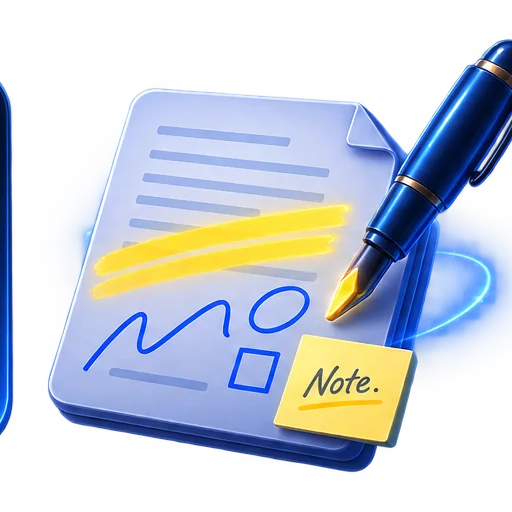
Mark up and annotate a PDF on iPhone
Add highlights, handwriting, notes and shapes while keeping an untouched source copy.
- Highlight important passages
- Add handwritten notes and simple drawings
- Place shapes without uploading the document
A focused local workflow
DocSnap performs this task locally in the iPhone app. The website does not accept file uploads.
