





Choose the tool by outcome
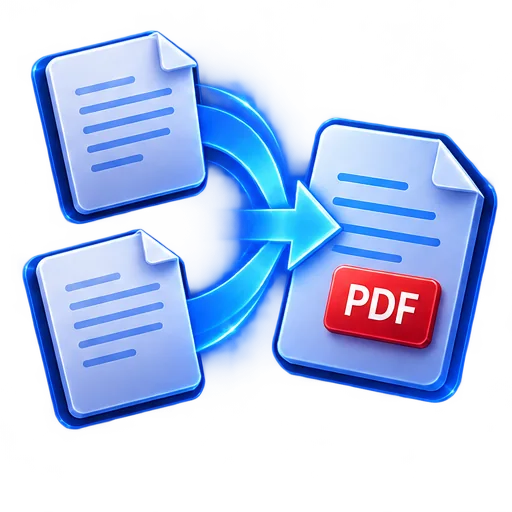
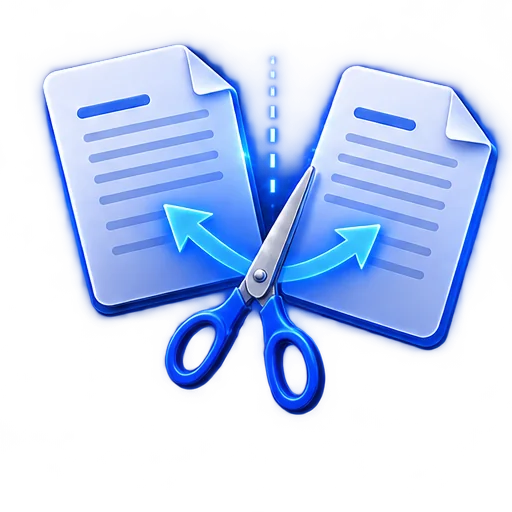
PDF tools solve different problems. Merge when several files belong together. Split when a recipient needs only selected pages. Compress when a portal rejects the file size. Convert when another workflow requires images or a PDF container.
DocSnap performs these practical tasks in the iOS app. The public website does not invite you to upload confidential files because it is not a web PDF processor.
- Merge related PDFs into one file
- Split out a page range or selected pages
- Compress image-heavy scans
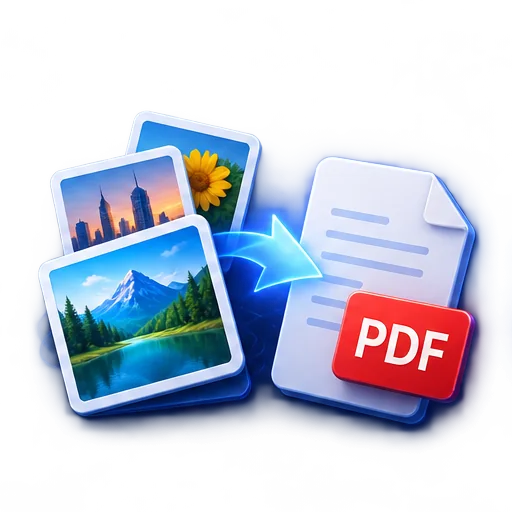
- Convert images to PDF and PDF pages to images
- Place a handwritten electronic signature
- Create a password-protected PDF copy
Keep the source before changing it
A transformed PDF can lose detail, page order, metadata, or compatibility depending on the operation. Keep the original until you verify the new file.
After any change, open the result, check the first and last page, inspect small text, and confirm the file size and security behavior match the intended recipient.
How it works
- 1
Select the document
Open an existing DocSnap document or compatible imported PDF.
- 2
Choose the required tool
Merge, split, compress, convert, sign, or protect.
- 3
Set the options
Pick files, pages, quality, signature position, or password as appropriate.
- 4
Verify the output
Open the new copy and check it before sharing or deleting the source.
